
Tech Stack
What I use, grouped by what it is for, and where each thing actually shows up.
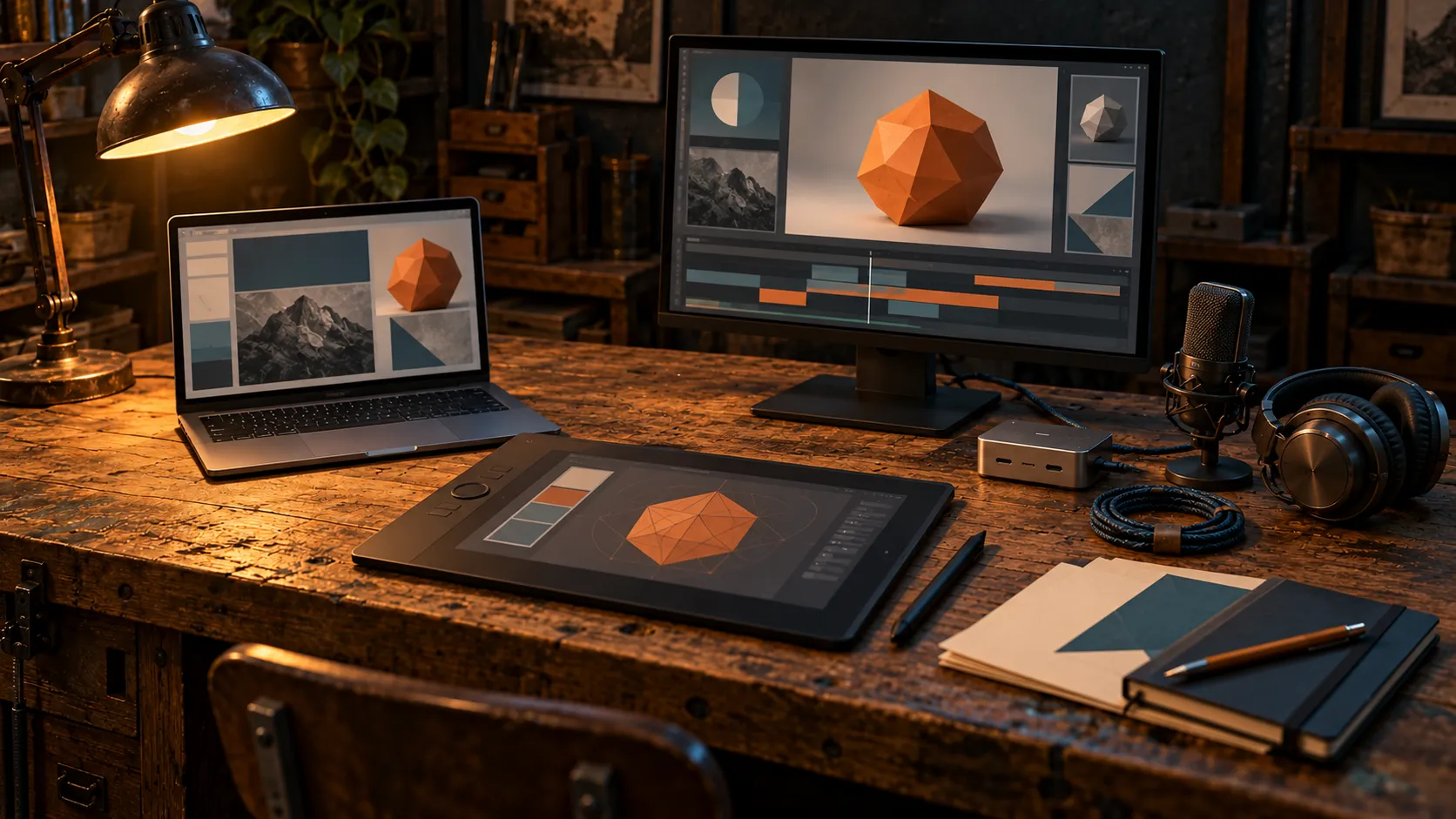
Different tools, one workbench.
Pick a category. Open a tool to see how I use it.
AI models and assistants
Different models for different jobs. These are preferences, not permanent rankings.
GPT and ChatGPT
My daily driver and the administrator of the fleet: the general-purpose starting point for everyday work and for coordinating the computers, tools and environments.
Across the lab
ChatGPT is the application. GPT is the model family behind it. The application provides the interface and decides which tools and connections are available, so the same model can behave differently in a different application.
It is my general-purpose starting point. When another model is better suited to the job, the work goes there.
Gemini
Search and research: exploring a subject, finding sources and gathering information.
Across the lab
Gemini is also a dispatch target. A coordinating assistant can send it a defined assignment through Antigravity, with the objective, the relevant material, the boundaries and the expected result.
Grok
The social conversation: what people on X and Reddit are reacting to and how they describe a problem.
Across the lab
It gives me a sense of the conversation, with the understanding that social media is a selective view. It is a way to listen, not a measurement.
Grok is also reachable through a dispatch route, from its command-line tool.
Claude
Writing: my preferred collaborator for developing ideas, shaping a narrative and revising prose in my voice.
Across the lab · Also in PickYourModel
Claude is also a dispatch target, and Claude Code is one of the coding clients (see Dispatch and coding).
For PickYourModel, Claude Code and other AI agents helped with implementation and reviews.
Ollama and local models
Local models for bounded tasks: models run on my own hardware, with assignments suited to what they can do.
Across the lab
A local model gets a defined assignment and its own, smaller set of tools and permissions. It is not the coordinator.
The documented Windows/WSL worker uses Ollama with a Qwen model on an RTX 4080 (see Machines and runtimes). Whether it is available depends on the session and the hardware.


Dispatch and coding
The clients I work in, and the routes that let one assistant hand work to another.
Claude Code
A coding client, and one of the routes work can be dispatched to. It helped with PickYourModel’s implementation and reviews.
Across the lab · Also in PickYourModel
It runs in the terminal, with its own tools, permissions and instructions. A task handed to it carries only what the handoff supplies.
Codex
A coding client in the same set as Claude Code and Antigravity.
Across the lab
The page that describes the system names it as one of the clients I work through. It does not say more than that, so nothing more is claimed here.
Antigravity
The route to Gemini: the coordinating assistant can send a specific assignment to Gemini through Antigravity.
Across the lab
It is one of the command-line clients, and the way a Gemini assignment is dispatched.
Grok CLI
The command-line route to Grok, used for dispatched assignments.
Across the lab
It is one of the clients I work through, and the way a Grok assignment is dispatched.
Dispatch routes
Custom routes that let a coordinating assistant send an assignment to Claude, to Gemini through Antigravity, to Grok, or to a model available through Ollama.
Across the lab
The coordinating assistant supplies an objective, context, boundaries and the expected output. Each route has its own tools and access; the returned work comes back to me for review.
A useful handoff includes the objective, the relevant material, the boundaries and the expected result. The receiving model does not automatically inherit the original conversation, files or permissions.
Not every route is open in every session. Models, connections and background jobs vary by session and machine.

Memory and coordination
How the work survives from one session, one assistant and one computer to the next.
Supabase
Behind the shared knowledge that assistants search, and behind PickYourModel’s saved lineups and activity records.
Across the lab · Also in PickYourModel
In the system: the shared memory uses Supabase-backed knowledge. Retrieval combines semantic search with full-text search, merges their rankings, and considers confirmed decisions and superseded records. Retrieved context points back to its sources, and retrieval alone does not establish that a fact is current.
In PickYourModel: saved lineups and the store’s activity records live in Supabase. The browser is not given permission to change whatever it likes: the design uses database access rules and specific functions for the permitted community actions.
Linear
Holds the tasks: actions, ownership, status and unfinished work.
Across the lab
It answers what still needs doing. The original files carry the detail and the session logs carry what happened.
Project files, session logs and handoffs
The files carry the work. Session logs record what changed and what was checked. Handoffs give the next session somewhere to begin.
Across the lab
Project files hold the briefs, source material, code, assets and deliverables.
Session logs record what changed, what was checked, what remains unresolved and where the results live. Handoffs say how to resume.
Each has a job. A memory entry helps find useful context. The original file supplies the detail.
MCP, the Model Context Protocol
Lets compatible assistants discover and call connected tools.
Across the lab
Other operations use APIs, browser automation or local commands. A tool has to be exposed and authorized in the working session before an assistant can use it.
Skills, personas and workflows
A shared library of procedures and references that assistants load for a task, including my writing voice.
Across the lab
Personas give a model a particular perspective, such as a technical writer, a visual storyteller or a critical reviewer. They focus the assignment. They do not give a model new capabilities or professional credentials.
My workflows connect the methods with the tools and records: how to gather context, assign work, review outputs and carry decisions into the next session. Predictable steps can use ordinary automation, and work that needs interpretation can call on a model.


Making and creative tools
What the pictures, characters, video and sound are made with.
Blender
Scraps is a Blender master: a poseable 12-bone rig and a face sheet with 14 display states.
In a project · See Scraps
The rig covers the root, ball, body, neck, head and both arms. The master also has reference views from the front, back and sides, a three-quarter view, a full-body attitude pose and a face close-up.
The expressions belong to the screen, so a face can change without rebuilding the head.
Higgsfield and Seedance
Video tests of Scraps, generated with Seedance through Higgsfield. For PickYourModel, a short generated shot in the opener.
In a project · See Scraps, PickYourModel
For Scraps, views of the Blender master are used as references, so the generator has more to work with than a fresh description of a robot each time.
For PickYourModel, the opener combines a short Higgsfield-generated shot with authored motion graphics.
Leonardo.ai
Helped create the PickYourModel store imagery.
In a project · See PickYourModel
The rental-store references are affectionate; the artwork was made for this project.
Procedural tape boxes
The PickYourModel tape boxes are generated procedurally.
In a project · See PickYourModel
There is no product behind this one: the boxes are made by code for the store, not drawn one at a time.
ElevenLabs
The original music and tape sounds of the PickYourModel opener.
In a project · See PickYourModel
Editing the opener and preparing its delivery, so it works on a phone, became its own piece of work, with browser behavior and file size next to the creative choices.
FFmpeg
Part of the documented stack for working with media.
Across the lab
The lab’s pages list it among the tools and connections but do not tie it to a particular project, so no specific use is claimed here.


Web and product stack
What this site and PickYourModel are built with.
Astro and plain CSS
This site: a static Astro build with plain CSS, no component library.
Across the lab
Images go through Astro’s image pipeline, which makes the responsive WebP sizes at build time. Interactive parts use native HTML, such as details and summary, and links, rather than scripts.
React
PickYourModel’s front end: the shelves, the search, the details and the lineup builder.
In a project · See PickYourModel
It puts the shelves on the screen and responds when you search, open details or build a lineup.
TypeScript
PickYourModel’s front end is written in it.
In a project · See PickYourModel
It sits alongside React in the same front end.
Vite
Packages the PickYourModel application.
In a project · See PickYourModel
PickYourModel began with a Bolt.new scaffold, and Vite is how the application is packaged.
Tailwind CSS
Handles much of PickYourModel’s styling.
In a project · See PickYourModel
This site is the other way round: plain CSS, hand written.
OpenRouter
The source of the information on each PickYourModel box: price, capabilities and context size come from its public catalog.
In a project · See PickYourModel
OpenRouter brings models from different providers into one catalog, which gives the store a common source.
A scheduled server-side job refreshes the shared catalog data, and the browser uses cached information, so the experience does not depend on rebuilding the whole inventory for every visit.
The tier badge is not from OpenRouter. It is my own derived signal, worked out from the catalog data: recency, context size and how rare a capability is in the catalog. It is not a benchmark, and price stays separate.
Bolt.new
The scaffold PickYourModel started from.
In a project · See PickYourModel
After the scaffold, the project developed with Claude Code and other AI agents helping. I set the direction, made the product decisions and judged what came back.


Machines and runtimes
Where the work runs. Hardware and route availability decide where a task can go.
Mac and Windows computers
The computers I call the fleet. Some work belongs near a particular application, asset or GPU.
Across the lab
The aim is to sit down at a different machine, open a different assistant and find the workshop waiting. Project files, shared memory, task records, session logs and handoffs are what make that possible.
Windows/WSL worker with an RTX 4080
A documented local worker: Ollama with a Qwen model on an RTX 4080, for defined assignments.
Across the lab
The worker receives a bounded assignment and has a different tool and permission set from the connected coordinator.
It is documented, not guaranteed. Whether it is up in a given session depends on the session and the hardware.
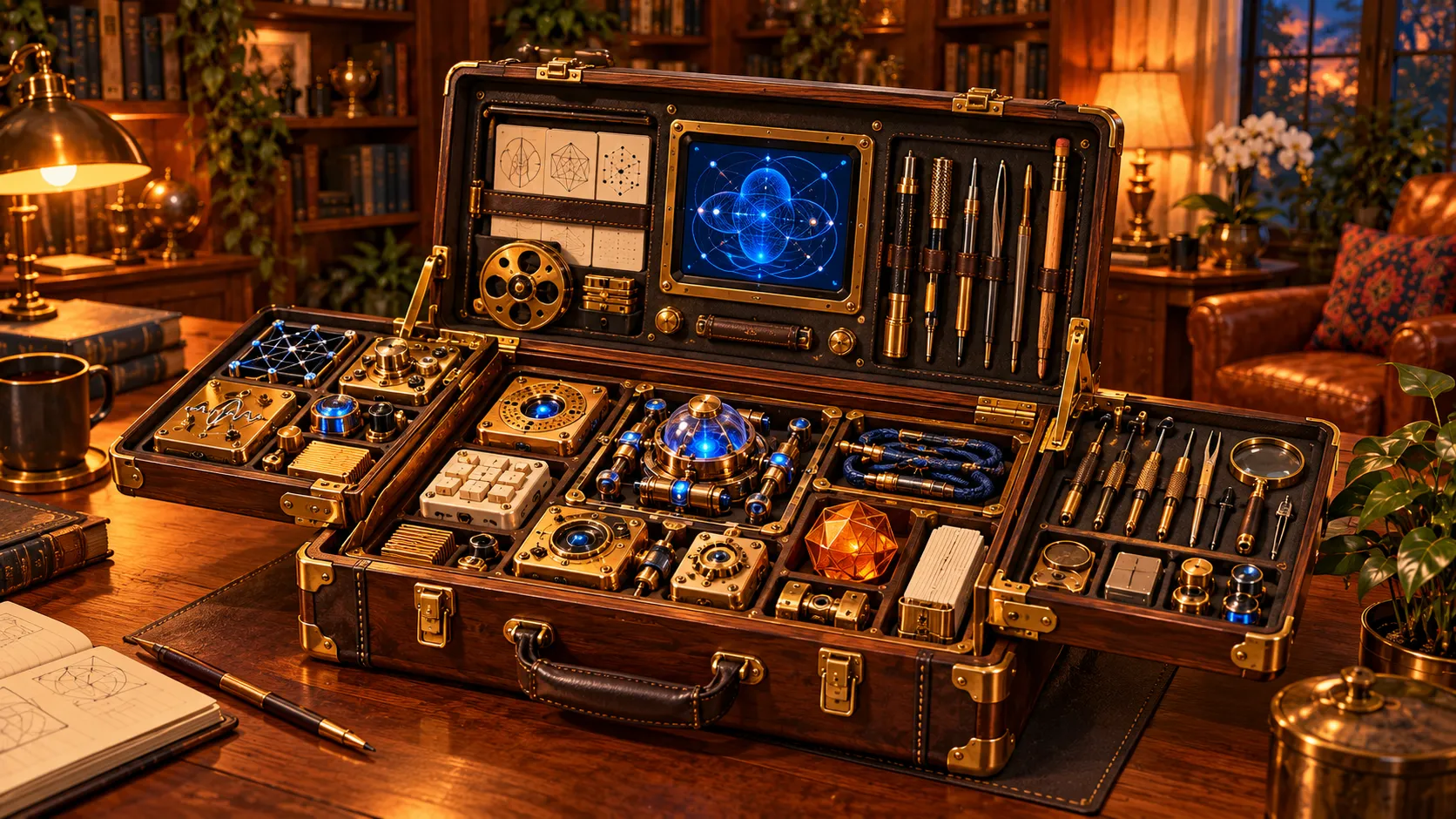
The toolkit, imagined.