
My AI System
Different models. Shared tools. A workshop I can pick up wherever I left off.
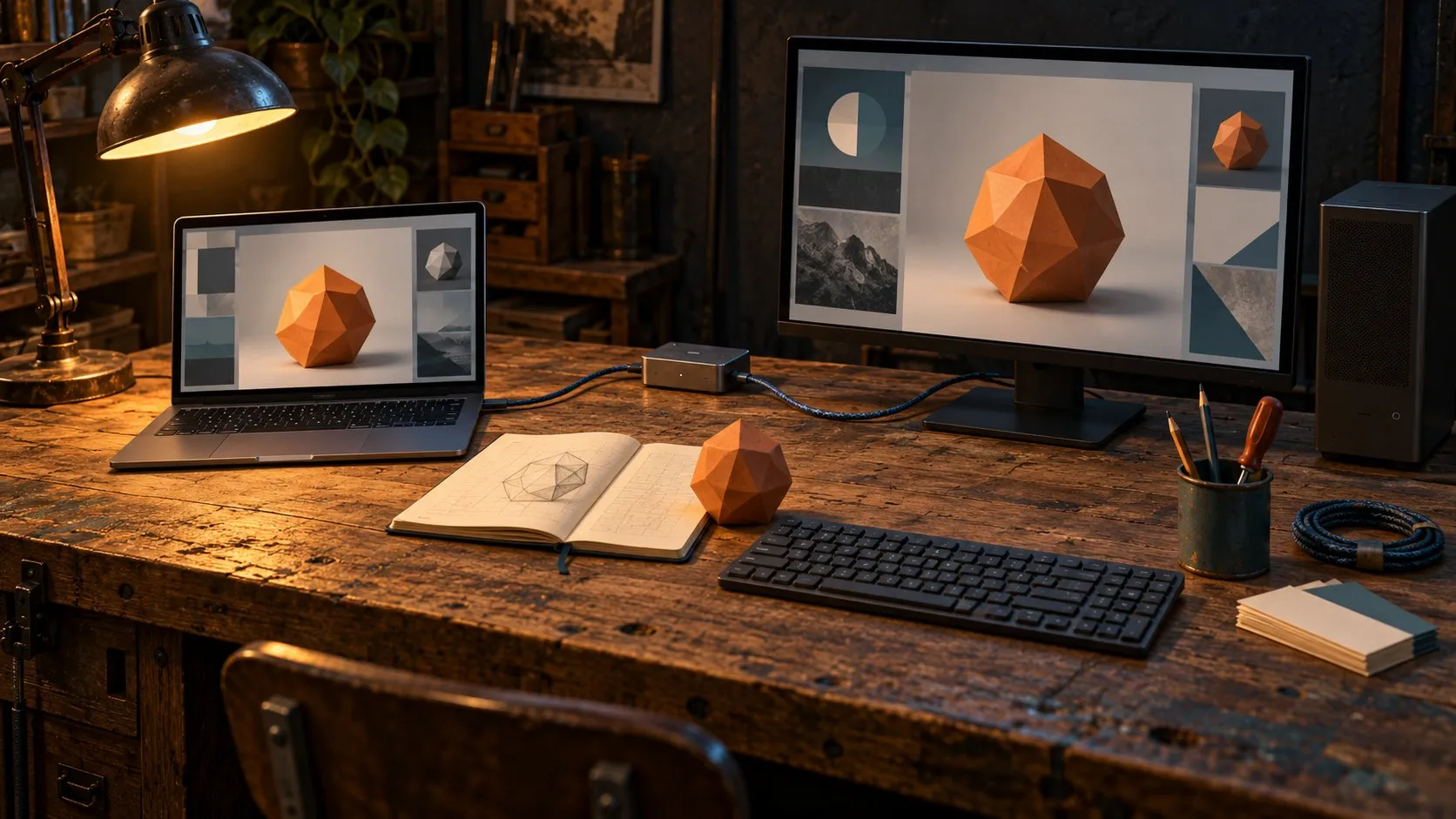
One project, across the workshop.
I use AI to research, write, build software, and make things. This is how I connect the models, tools, and computers—and keep the work together when I switch between them.
Models, apps and agents
AI is a broad category. Large language models are one part of it, supporting work such as interpreting requests, reasoning, writing, and coding. Other models and services handle image generation, speech, and video.
The model and the application are different pieces. ChatGPT is an application; GPT is a model family. The application provides the interface and determines which tools and connections are available. An agent combines a model with instructions, context, and tools to work through an assignment.
Those distinctions affect how I use the system. A model can explain how to edit a video without having access to a video editor. A large context window gives it room for more information, but does not automatically create reliable memory. Tools let it act, and the results still need review.
Different models for different jobs
Working with several model families has helped me develop preferences. These change as the models improve and I learn more about them.
- Gemini for search and research. I use it to explore a subject, find sources, and gather information.
- Grok for the social conversation. I use it to explore conversations on X and Reddit, looking at what people are reacting to and how they describe a problem. That gives me a sense of the conversation, with the understanding that social media is a selective view.
- Claude for writing. It is my preferred collaborator for developing ideas, shaping a narrative, and revising prose in my voice.
- GPT as my daily driver and fleet administrator. It is my general-purpose starting point for everyday work and for coordinating the computers, tools, and environments in the fleet.
- Local models for bounded tasks. Through Ollama, I can run models on my own hardware and give them assignments suited to their capabilities.


These are preferences, not permanent rankings. I also consider the context a task needs, tool access, privacy, speed, cost, and available hardware. Sometimes another model’s perspective helps. Sometimes it just adds another opinion.
Connecting the platforms
I work through conversational apps, coding clients, and command-line tools, including ChatGPT, Claude, Gemini, Codex, Claude Code, Antigravity, and Grok CLI.
Custom dispatch routes let a coordinating assistant send a specific assignment to Claude, Gemini through Antigravity, Grok, or a model available through Ollama. That gives me a way to use different models within the same piece of work.
A useful handoff includes the objective, relevant material, boundaries, and expected result. The receiving model does not automatically inherit the original conversation, files, or permissions.
- Objective
- Relevant material
- Boundaries
- Expected result
I call the computers the fleet. Some work belongs near a particular application, asset, or GPU. A local worker can handle a defined assignment while the coordinating assistant keeps track of the larger task.
What it runs on
I connect models, memory, tools, and computers so I can choose how to work and carry the context forward. This is the sequence. Open any step to see what happens there.
- Step 01
I give direction
The goal and the choices.
Step 1 in detail
I decide what is worth doing, which platform to open and what a good result looks like. Which model, which route and which computer are my choices too.
My preferences guide them, and they change as the models improve and I learn more about them.
- Step 02
Assistant coordinates
Reads context. Assigns work.
Step 2 in detail
A coordinating assistant reads the project files and shared memory, then hands out a defined piece of work: the objective, the relevant material, the boundaries and the expected result. Skills give it the procedures to follow; dispatch and handoffs carry the work across.
Dispatch routes can send it to Claude, to Gemini through Antigravity, to Grok or to a model through Ollama. The receiving model does not inherit the conversation, the files or the permissions automatically.
- Step 03
Models & tools work
The assignment gets done.
Step 3 in detail
The model works with the tools it actually has in that session: connected tools through MCP, APIs, browser automation or local commands.
Some work belongs near a particular application, asset or GPU, so it runs on another computer, such as the documented Windows/WSL worker. What is available varies by session and machine.
- Step 04
I review
The result, and what comes next.
Step 4 in detail
The result comes back to me. A model can say it did something; the files and the code still have to support it, and agreement between models does not settle a question.
What changed, what was checked and how to resume go into session logs, handoffs and Linear, so the next session starts from there.
I stay involved from the first direction to the next decision.
 Memory & project files
 Progress & decisions


Remembering where I left off
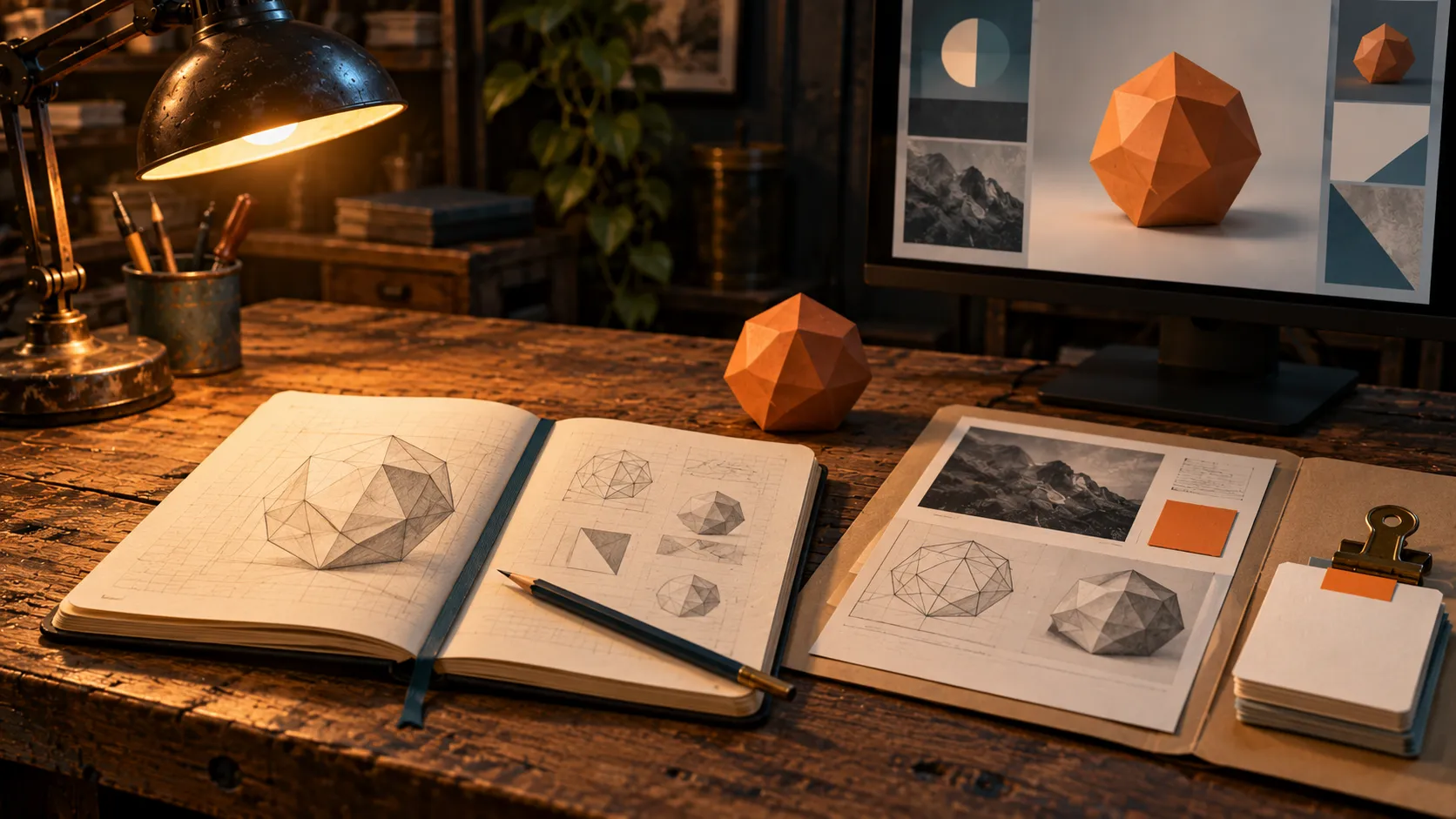
Continuity needs more than chat history.
Project files hold the briefs, source material, code, assets, and deliverables. Shared memory helps an assistant find relevant facts and earlier decisions. Linear tracks actions, ownership, and unfinished work.
Session logs record what changed, what was checked, what remains unresolved, and where the results live. Handoffs give the next session a starting point.
Each has a job. A memory entry helps find useful context. The original file supplies the detail. A session log explains what happened, while the task record shows what still needs doing.
This is how I’m building continuity across assistants: giving them a way to recover the work and understand the decisions behind it.
Methods I can reuse
I maintain a shared library of skills for writing, research, development, documents, and creative production. These give assistants procedures and references for the task, including my writing voice and the tools available in the environment.
Personas provide a particular perspective, such as a technical writer, visual storyteller, or critical reviewer. They help focus the assignment. They do not give a model new capabilities or professional credentials.
My custom workflows connect these methods with the tools and records. They describe how to gather context, assign work, review outputs, and carry decisions into the next session. Predictable steps can use ordinary automation; work that needs interpretation can call on a model.
I choose what is worth doing, set the direction, and review what comes back. The system lets me explore more ideas and take them further, with the files and decisions available when I return.
I want to sit down at a different machine, open a different assistant, and find my workshop waiting.
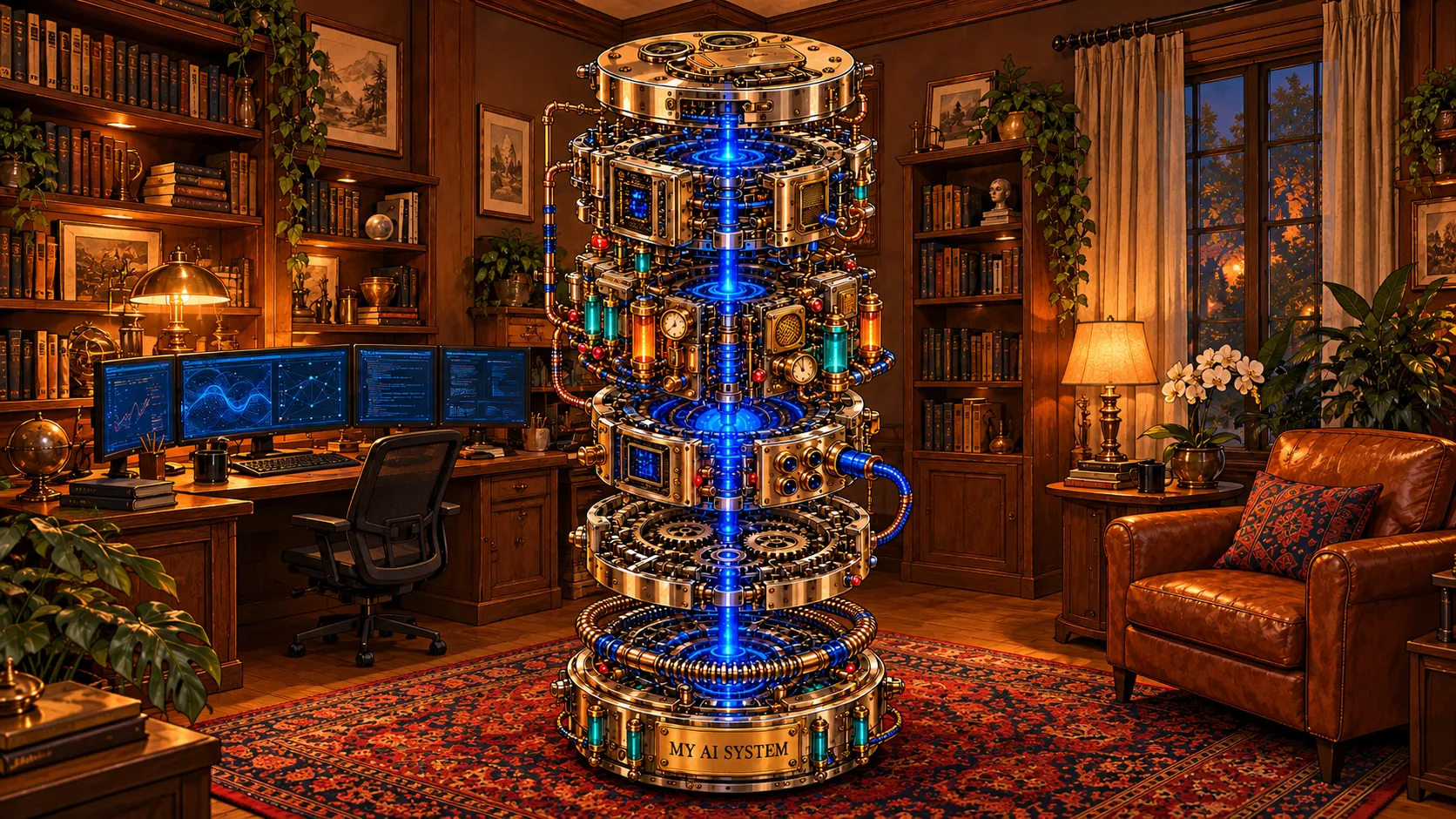
My AI system, imagined as a machine.